In the Threads app a profile picture is a small circle you cannot zoom into. The Threads profile picture downloader shows the same photo as a full square image: enter a @username or paste a profile link, and the avatar opens at the largest size Threads serves — usually 640 × 640 pixels — ready to view or save.
You stay anonymous the whole time. No account is needed, and the profile owner gets no notification.
How to Download a Threads Profile Picture
-
 Step 1:
Enter a username or link
Type @username, the bare username, or paste the profile link from the share menu.
-
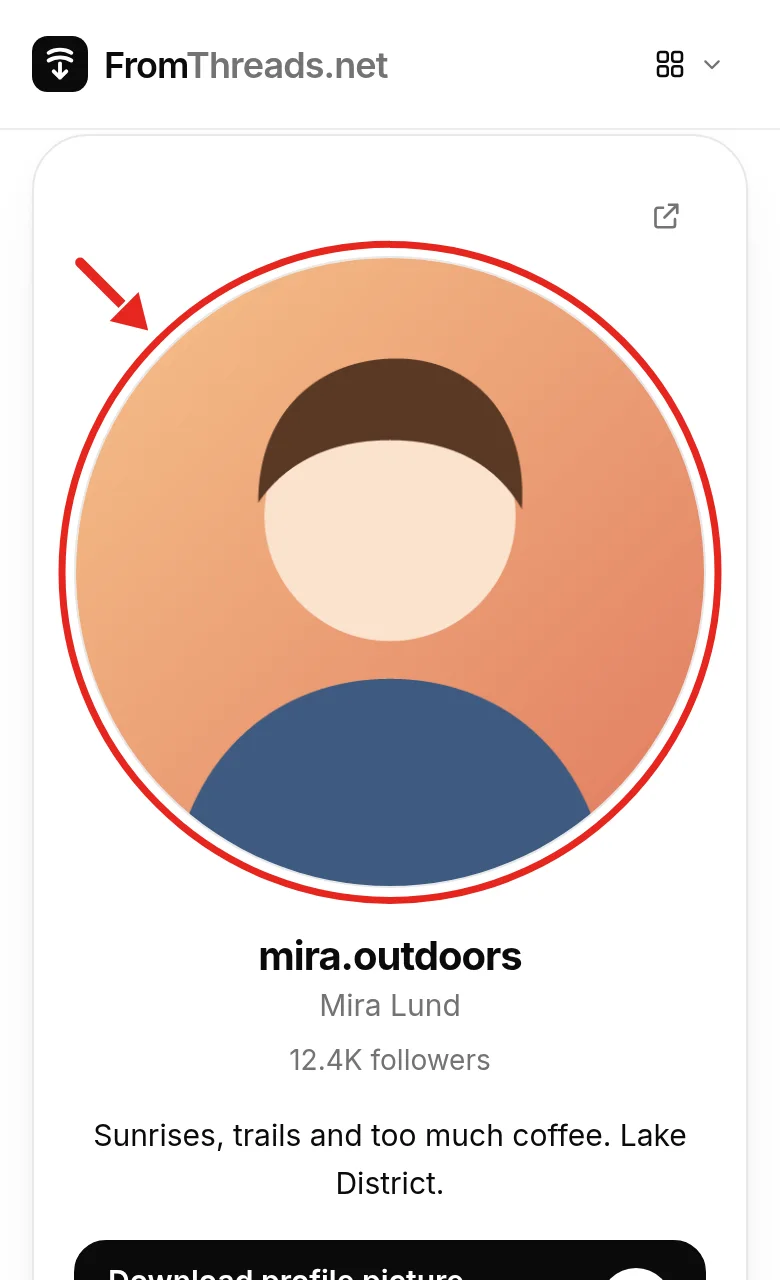 Step 2:
Open the profile
The page loads the profile with its picture, name and latest public posts.
-
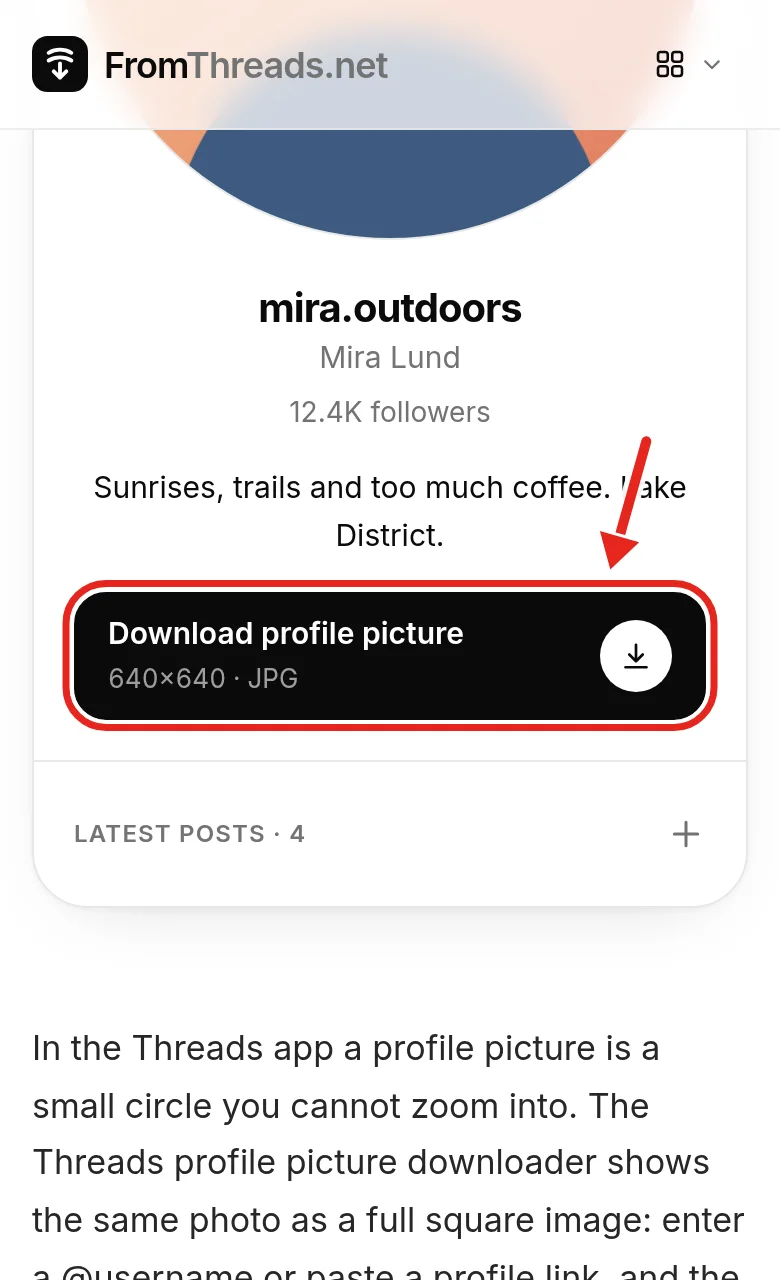 Step 3:
Save the PFP
Tap the picture to view it full size, or press Download to keep it.
View Threads PFP in Full Size HD
Threads keeps every profile picture in several sizes and shows the smallest one in the app. We ask for the largest, which is the version to use if you want to see a face clearly, check whether an account is genuine, or keep a picture of someone you know. The resolution is printed on the download button.
We do not upscale or sharpen anything. What you see is the real image at its real size.
Download Threads Profile Picture by Username
You do not need a link: a username is enough. Type it with or without the @, in any letter case — "Username" and "@username" find the same profile. Threads and Instagram share usernames, so the name someone uses on Instagram usually finds their Threads profile too.
Along with the picture you see the display name, the bio, the follower count and the latest public posts. To browse those posts and their replies, use the anonymous Threads viewer.
Threads Profile Picture Downloader on iPhone, Android and PC
- iPhone: tap Download in Safari, then open the picture from Files → Downloads and choose Save Image.
- Android: the JPG is saved to Downloads and appears in your gallery.
- Computer: the file goes to your downloads folder. You can also open it full size in the preview first.
Does the User Know You Viewed or Saved Their Profile Picture?
No. Threads does not tell anyone who looked at their profile, and here the profile is read by our server rather than by your account, so not even your own Threads account is involved. Nothing you look up is shown to the person you looked up.
Frequently Asked Questions
How can I see a Threads profile picture in full size?
Enter the username or profile link above. The picture opens at the largest size Threads stores; tap it to view it on its own.
How do I download a Threads profile picture by username?
Type the username, with or without @, into the field and press Download under the picture.
How to save a Threads profile picture on iPhone?
Download it in Safari, open it from Files → Downloads, and choose Share → Save Image to put it in Photos.
Can I see the profile picture of a private Threads account?
Yes. A profile picture is public even when the posts are private, so it can be viewed and saved. The private posts themselves stay hidden.
Will the person know I downloaded their profile picture?
No. There is no notification, and the profile is opened by our server, not by your account.
What resolution is a Threads profile picture?
Threads serves profile pictures at up to 640 × 640 pixels. That is the size you get here, the largest available.
Is a Threads profile picture the same as on Instagram?
Usually yes. Threads profiles are created from Instagram accounts and take the same picture unless the owner changed it later.